
Hi everyone! As many of you who have attended my conference presentations and Wi-Fi classes know, I spend time talking about the correct way of troubleshooting Wi-Fi networks.
Power cycling or rebooting is NOT a first step. Here’s why: lets say you are having issues of some kind (slow speed, connectivity issues, can’t reach certain device like a printer, or some similar issue). Let’s say you reboot the router/modem. Let’s say that then everything works! Yay! OK – I have a question: What was the cause of the problem and how did the power cycle fix it?
Hopefully you get my point, because 99% of the time the answer to my question is not known. Therefore, no troubleshooting was done.
Further, I almost guarantee the problem will come back and the system will get rebooted over and over as time goes on and no actual fix or correction has been made.
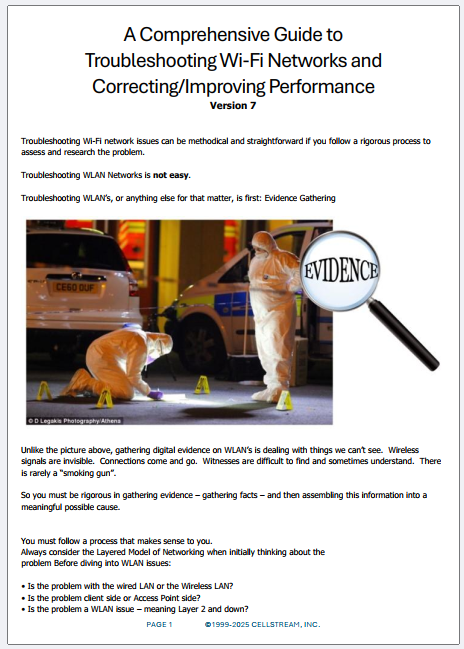
So what is the right way to troubleshoot Wi-Fi networks? The answer to that question is in the comprehensive Wi-Fi Troubleshooting Guide. You will find the download here at our Patreon community.
I welcome all comments/suggestions for additions/modifications or errors.
Comments and technical discussion are always welcomed from registered users below, and you are also invited to continue the conversation with the community on our Discord server. If you would like to help support the continued development of independent networking, broadband, Wi-Fi, VoIP, and packet analysis content, please consider joining our Patreon community where you will gain access to exclusive technical resources, downloadable labs and PCAPs, bonus course content, troubleshooting guides, and additional member-only material. You can also support our work by simply buying us a coffee — every contribution helps us continue creating practical, real-world network science education for professionals and enthusiasts alike.